
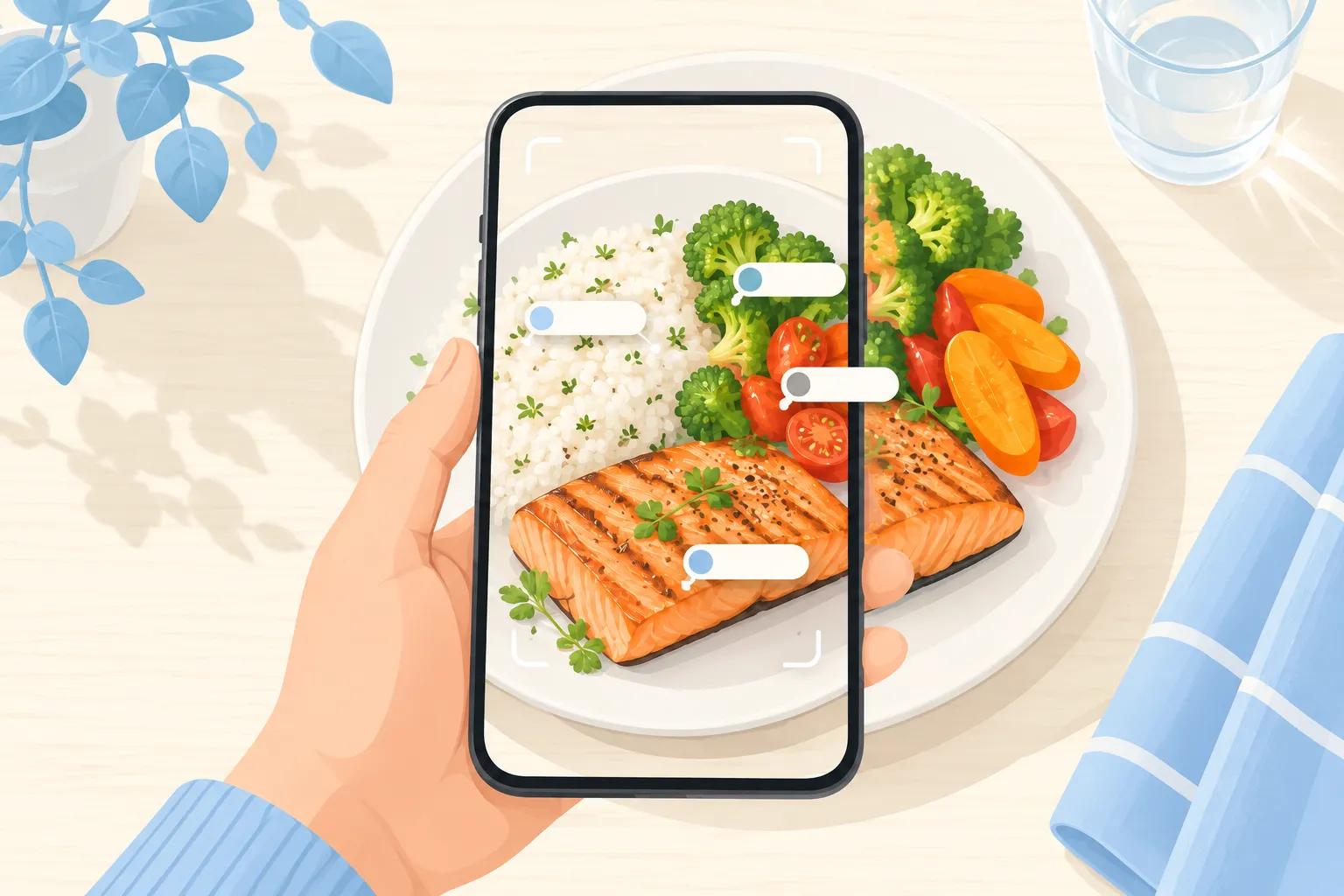
Photo Calorie Tracking: 9 Tips for More Accurate Results From a Snap
How to get more accurate calorie and macro estimates from a photo of your meal: lighting, angles, portions, hidden oils and sauces, and when to add details by hand.
Snapping a photo of your meal is the fastest way to log what you eat. AI food recognition can identify the foods on your plate and estimate portions, calories and macros in seconds. Like any estimate, though, the result is only as good as the information it gets. These nine tips help you get the most accurate numbers from every snap.
1. Use good, even light
Natural daylight or a bright room works best. Dim restaurant lighting, strong colored lights and hard shadows make it harder to tell foods apart. If your phone's flash creates glare on a shiny plate, turn it off and move closer to a light source.
2. Get the whole plate in the frame
Portion size is estimated from what the camera can see. Fill most of the frame with the plate, but don't crop off the edges. Seeing the full plate helps judge how much food is on it.
3. Shoot from above, then add an angle if needed
A top-down photo shows every item clearly and is the best default. For tall foods, such as a stacked burger, a deep bowl or a layered drink, a second photo at a 45-degree angle helps show height and depth.
4. Separate foods when you can
Foods that are spread out are easier to identify than a mixed pile. You don't need to rearrange your dinner, but giving rice, protein and vegetables a little space on the plate improves recognition.
5. Log before you eat
A photo of a half-eaten plate shows less food than you actually ate. Make it a habit to snap first, then eat. If you go back for seconds, log the second plate too.
6. Mention hidden calories
Cooking oil, butter, dressing, sugar in coffee and sauces mixed into a dish can add a lot of calories and are often invisible in a photo. If you know a dish was cooked in oil or has a creamy dressing, add that detail. This is one of the biggest sources of error in any kind of calorie tracking, manual or AI.
7. Review and adjust the result
Take two seconds to check the identified foods and portions. If the AI saw brown rice but you know it was white rice, or estimated one chicken breast when you had two, correct it. Small corrections add up over a week.
8. Use labels for packaged food
For packaged snacks and drinks, the nutrition label is the most accurate source. Use it when you have it, and use photos for home-cooked and restaurant meals, where labels don't exist.
9. Aim for consistency, not perfection
No method is perfectly accurate: food databases, nutrition labels and portion guesses all have error built in. What matters most is logging consistently, so you can see trends and adjust. A quick photo you actually take beats a perfect manual entry you skip. For a closer look at how AI compares with manual counting, read AI Food Recognition vs Manual Calorie Counting.
What a photo can't tell
A camera sees the surface of your food. It can't know whether your pasta was made with whole-wheat or regular noodles, how much butter went into mashed potatoes or whether your smoothie has added protein powder. It also can't weigh food, so very dense foods like nuts, cheese and granola are easy to underestimate from a picture. For these, a quick note or a portion adjustment makes a big difference. If you eat the same meals often, getting them right once means every future log is more accurate too.
Quick checklist
- Bright, even light
- Whole plate in frame, shot from above
- Snap before the first bite
- Add oils, dressings and sauces
- Check and correct the result
Try it with Cal Sync
Cal Sync's AI scanner turns a photo of any meal into calories, macros and nutritional data in seconds. Share your logs with friends in a group, keep your streak going and track your trends over time. Logging that takes seconds is logging you'll keep doing, especially when your friends are doing it too. See how to track calories with friends to get started.